
If an order has become wrong for some reason, our WOS (Web Order System) has an easy function to use which makes it possible to copy the already confirmed order. Doing this gives you the opportunity to first copy the order, make the adjustments that you want and then confirm the new one instead. Note that this is an administrator tool and is not available for all users.
In order to Copy an order you will need to follow the below steps:
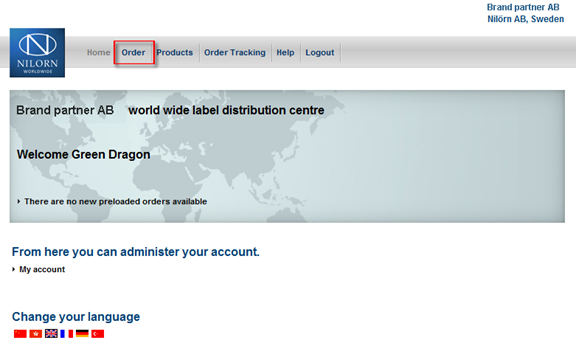
1. First of all you will need to add a new order to the system.
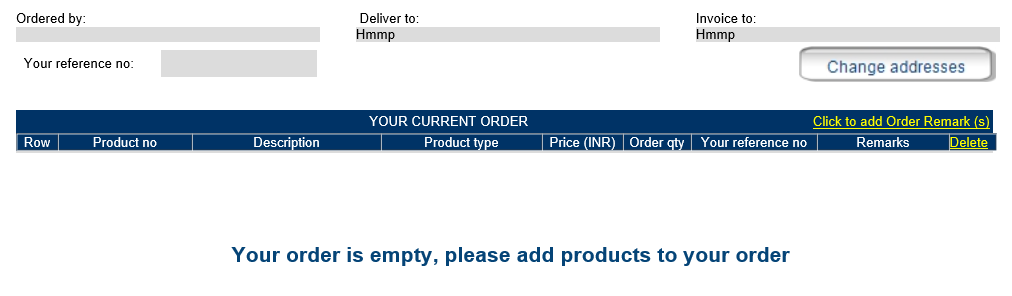
2. On the next displayed page you may choose delivery address and invoice address and then click the button "Use these addresses and add products to your order"

3. You now have an order created and are prepared to copy the details that you want from the old one.
4. Now you just need to track down the order whihc you want to copy and click on "Copy the above to the current order".
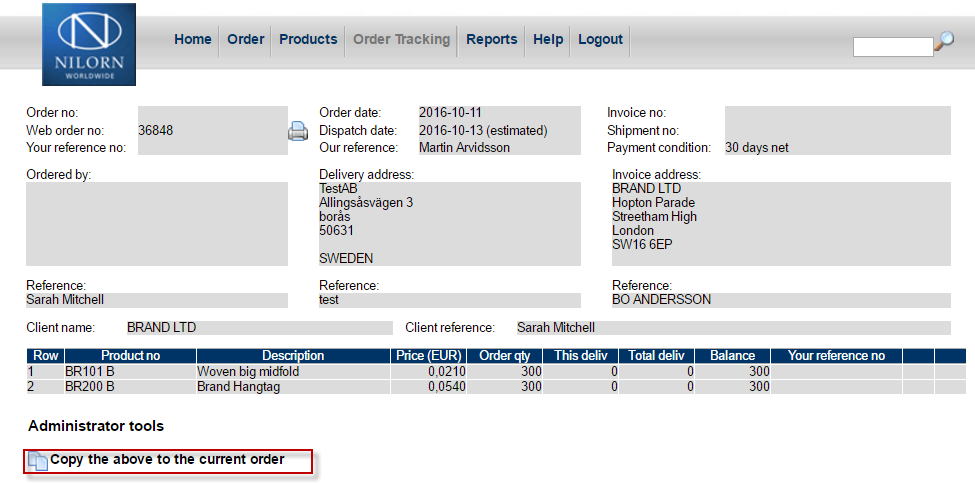
4.1 If you just need to copy a specific row it might be possible if it's a variable article. If possible you may then go into the details of a care label or a sticker by clicking at the Iron or Barcode symbol. When you can see the detail information you may also find the button "Copy the above to the current order" here as well.

5. If you have followed the above steps you will be able to change your current order as you'd like and confirm it as a new one.
Don't forget to cancel the old order when you are done!!